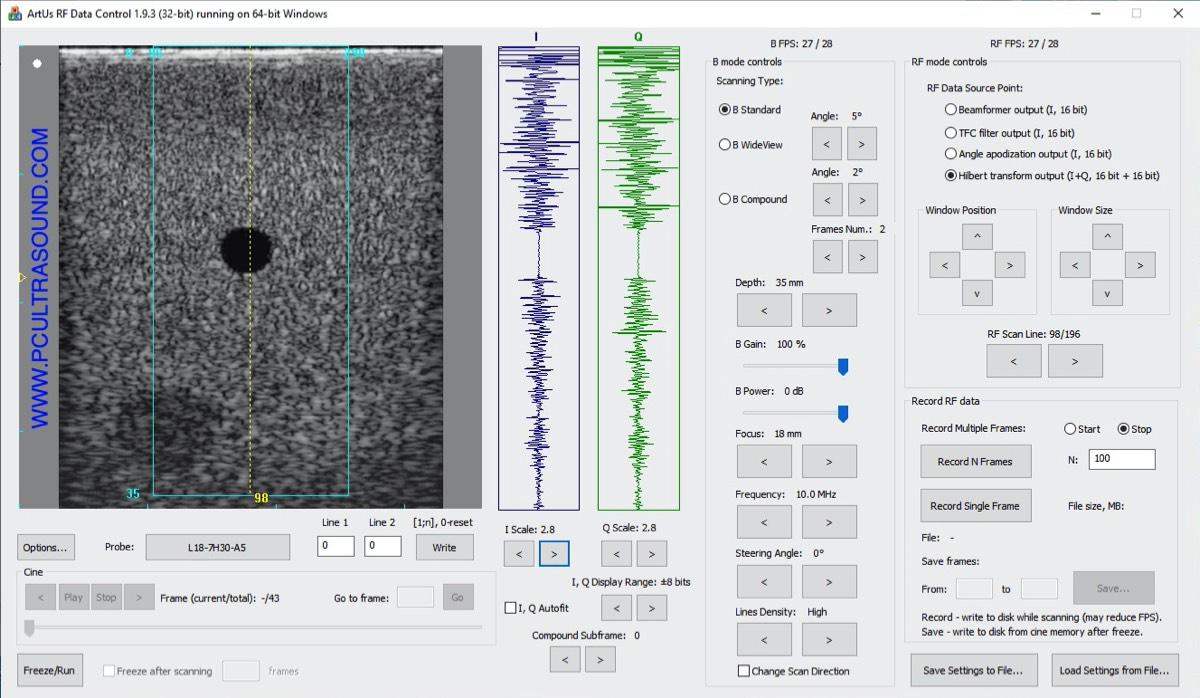
ArtUs RF Data Control
Standalone C++ application for real-time B + RF acquisition and recording.

Ultrasound for Research · RF data
Most commercial ultrasound systems are closed and give researchers no access to raw RF signals — yet these signals carry valuable information about how acoustic waves interact with tissue. TELEMED research tools give biomedical engineers real-time access to beamformed RF data in C++, MATLAB, Python and LabVIEW.
4 environments
C++, MATLAB, Python, LabVIEW
B + RF
Two streams in real time
Record & review
RF data files with acquisition parameters
Source code
Scripts and manuals included
Access to raw RF signals opens new directions for both engineering research and clinical practice.
Engineering
Clinical practice
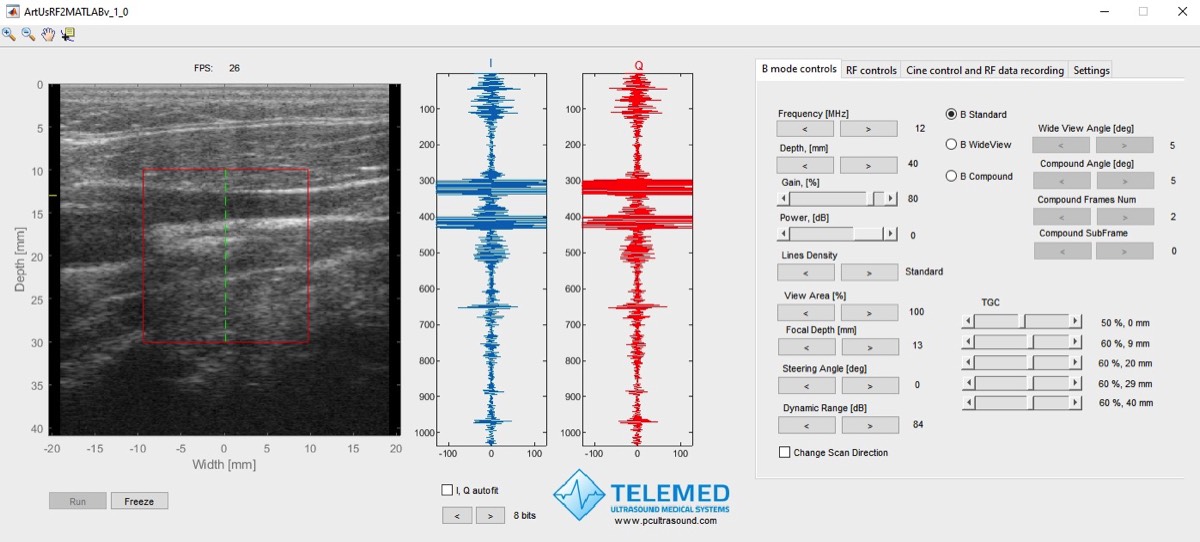
Graphical tools to acquire RF data in real time, record it to file and review it offline — plus scripts that demonstrate the conventional signal processing steps of B-mode image formation. Click any screenshot to see it full size.
View B-mode and RF streams in real time, set scanning parameters, define a region of interest and record RF data to disk.
Standalone C++ application for real-time B + RF acquisition and recording.
The same real-time acquisition and recording, directly inside MATLAB.
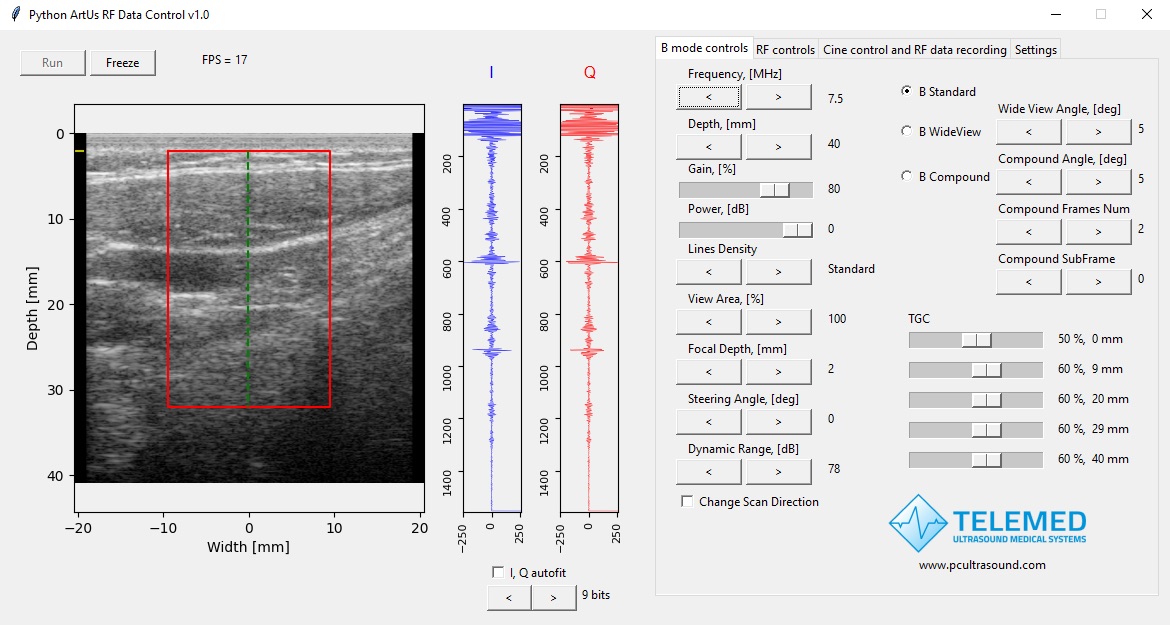
Real-time acquisition and recording in a Python application.
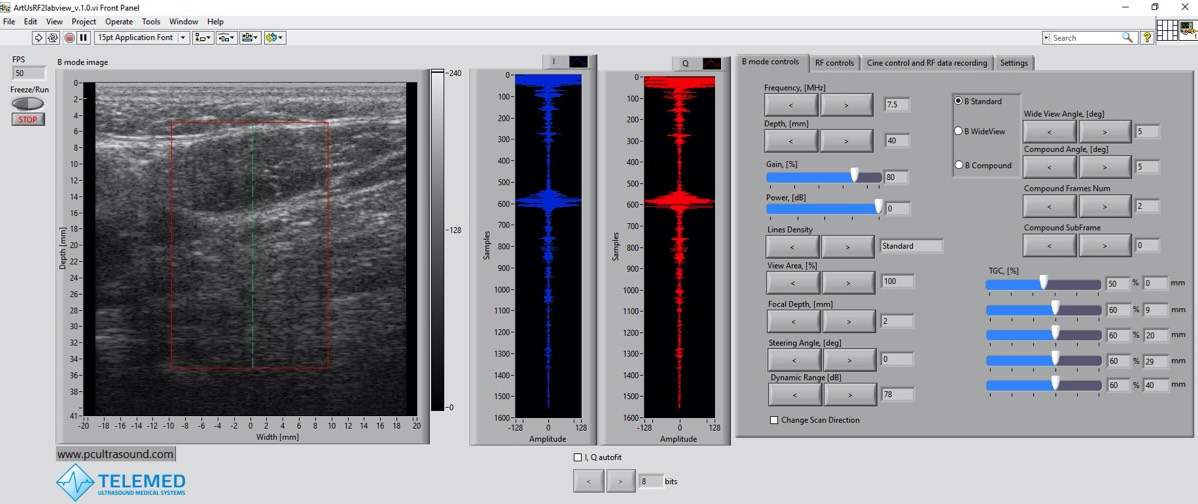
Real-time acquisition and recording in a LabVIEW application.
Load recorded RF data files together with the main acquisition parameters.
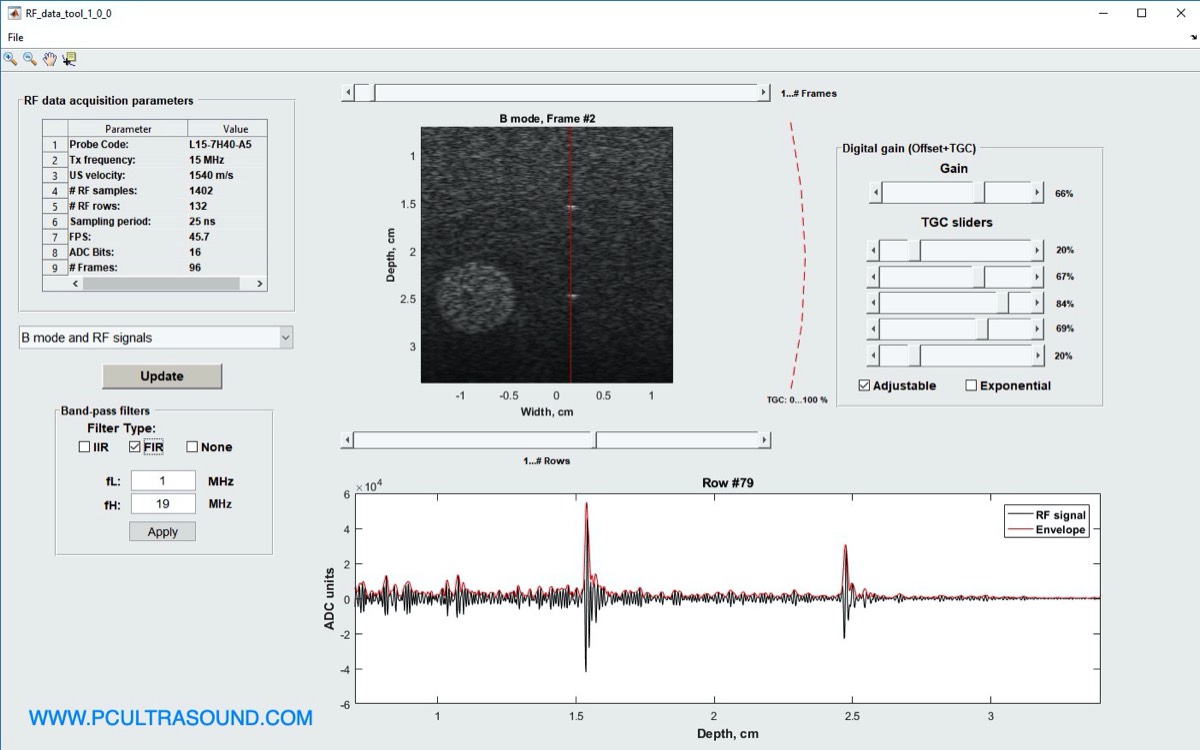
Import recorded RF data and acquisition parameters into MATLAB for review.
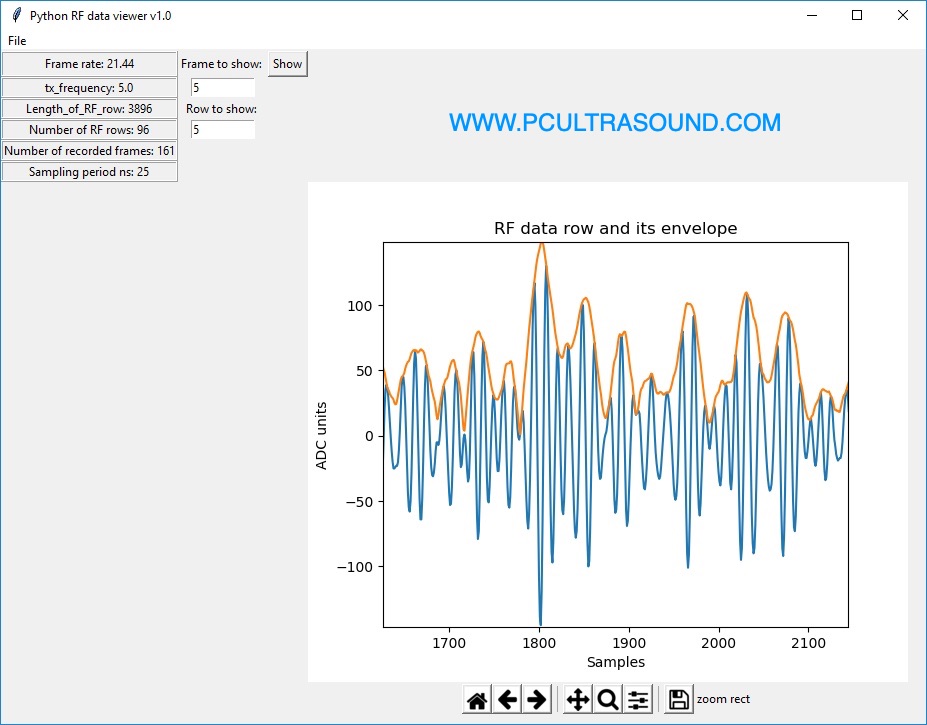
Load and view recorded RF data in Python.
See how each processing step shapes the final B-mode image.
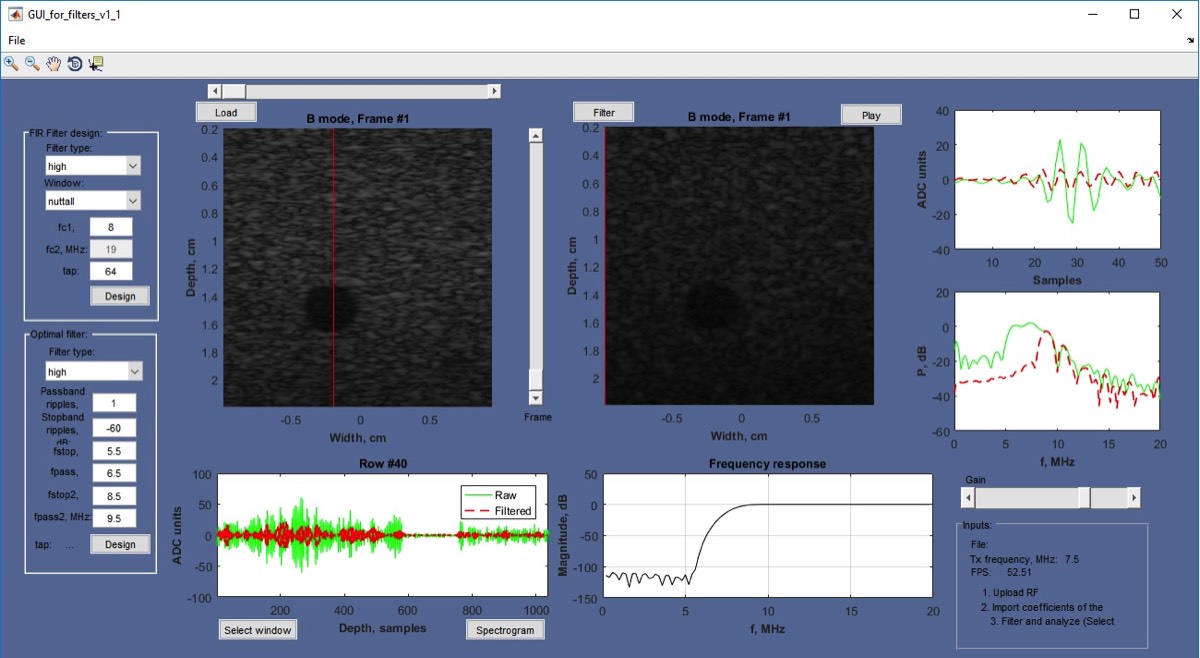
Design filters in a GUI and see how filtering the RF signals changes the B-mode image.
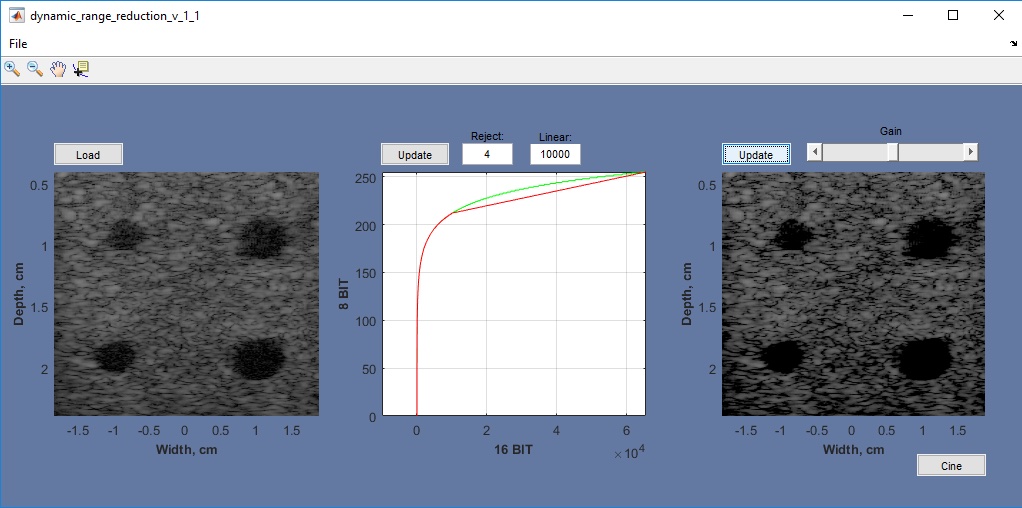
Adjust the dynamic range reduction curve and observe its effect on the image.
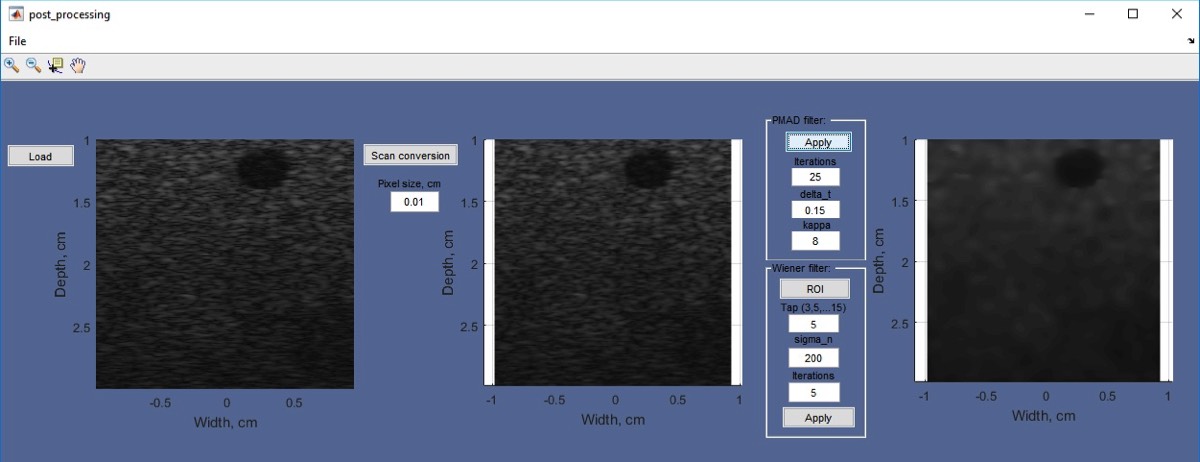
Filter speckle noise and compare the results.
Tools, MATLAB and Python scripts, source code and manuals are available for download.